
Locations
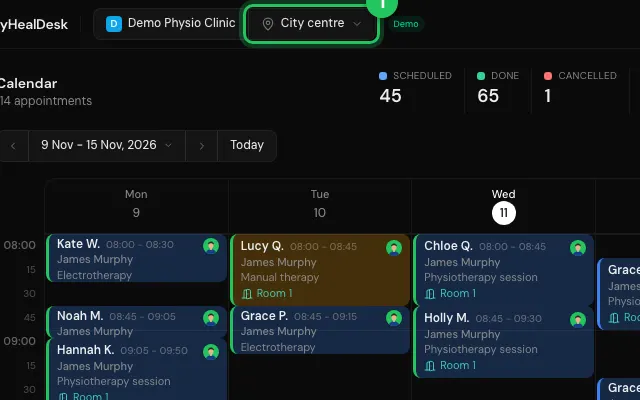
A clinic with more than one site runs each one as a location, with its own hours, logo, services and staff access. The location menu in the top bar narrows every tab to one site and remembers your choice.
How to use it
Press the location's name (or All locations) in the top bar to switch.
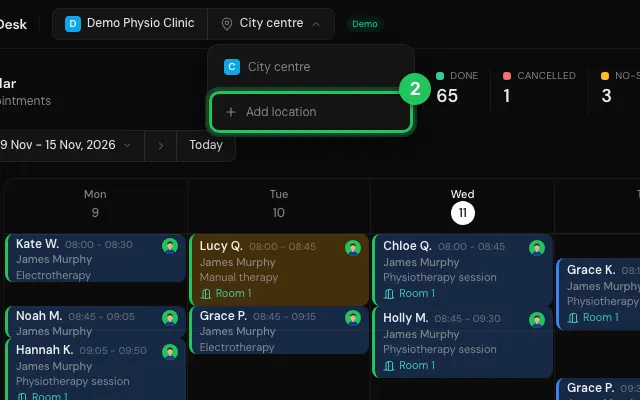
Owners and admins add one with Add location at the bottom of that menu, or in Settings → Clinic.
Your plan sets how many locations you can have.
Open it in MyHealDesk
Opens this in the dashboard's Help, with Show me.
Something missing or unclear? Suggest a feature
Ask an AI about it: Ask ChatGPT Ask Claude Read this page as markdown