
Inviting a patient to the app
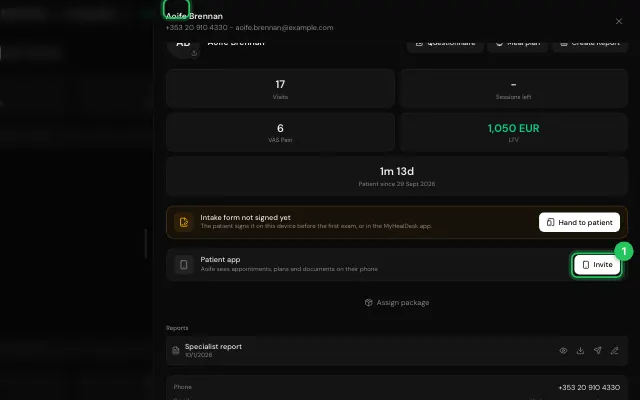
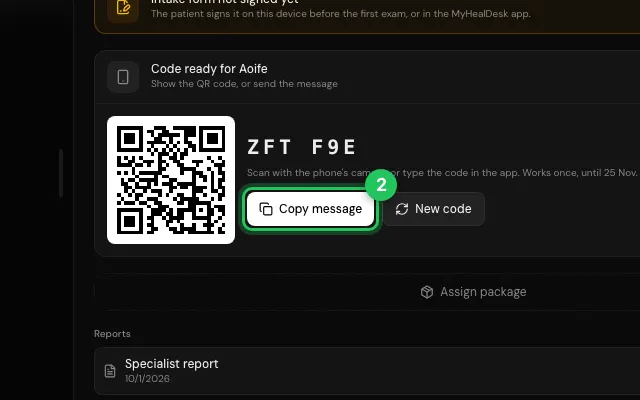
Each patient's file has a code and a QR code. The patient scans it, or types the code, to link the app to your clinic.
How to use it
Open the patient's file, on Info, and press Invite on the patient app card.
Show the QR code, or Copy message with the code to send it.
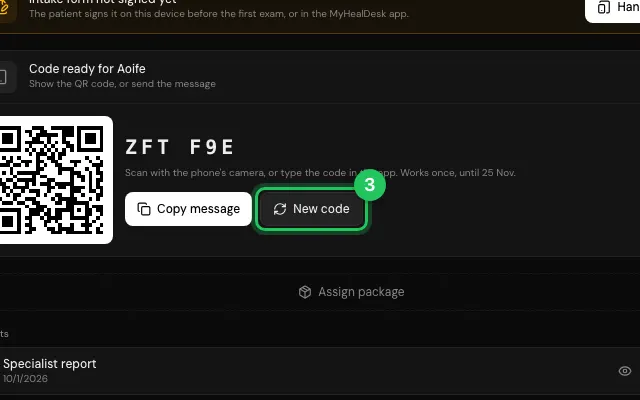
New code makes the old one stop working.
Open it in MyHealDesk
Opens this in the dashboard's Help, with Show me.
Something missing or unclear? Suggest a feature
Ask an AI about it: Ask ChatGPT Ask Claude Read this page as markdown