
The patient app
Patients see their next appointment, what they owe, the trainings and meal plans to do, their reports, files and questionnaires, and get notifications, in the MyHealDesk app or in a browser.
How to use it
Invite them from their file (see Inviting a patient to the app).
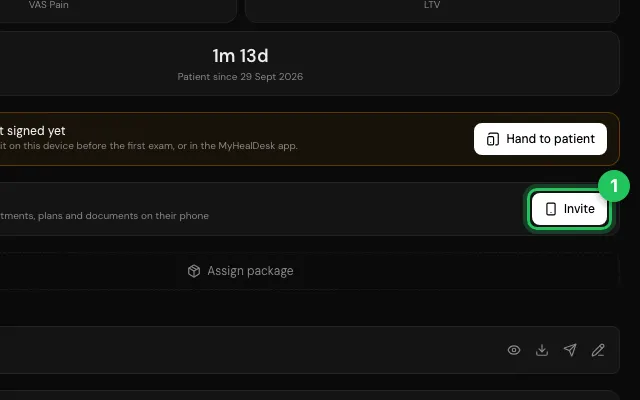
They install MyHealDesk, choose patient, and enter the code.
Open it in MyHealDesk
Opens this in the dashboard's Help, with Show me.
Something missing or unclear? Suggest a feature
Ask an AI about it: Ask ChatGPT Ask Claude Read this page as markdown