
Rooms
Add your rooms, with how many patients each takes at once, its location, what it's used for and whether it can be booked. Bookings pick a free room by themselves, and the calendar's Rooms view shows them side by side.
How to use it
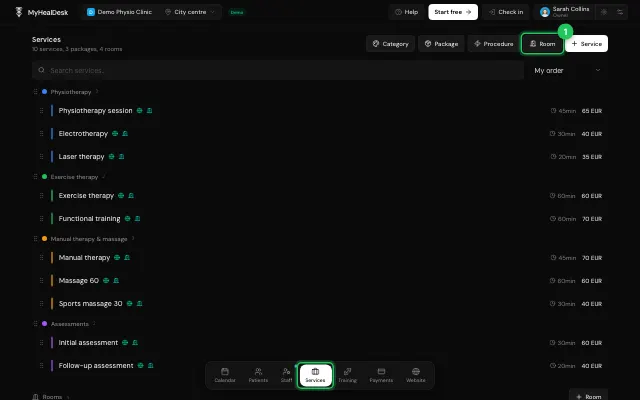
In Services, press Room.
Fill in Name, Patients at once, Location and Used for, and whether it's Bookable.
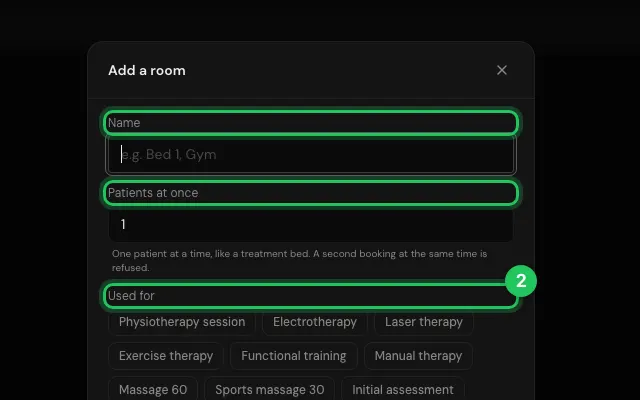
Choose the rooms on each service.
Open it in MyHealDesk
Opens this in the dashboard's Help, with Show me.
Something missing or unclear? Suggest a feature
Ask an AI about it: Ask ChatGPT Ask Claude Read this page as markdown