
Deleting your account
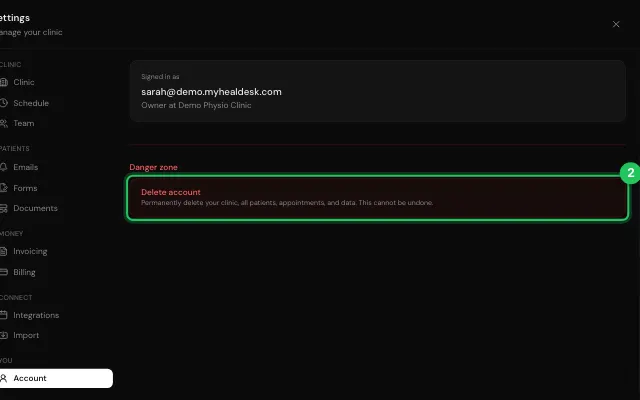
Staff can delete their own account, and the clinic keeps its records of their work. The owner deleting theirs deletes the whole clinic.
How to use it
Open Settings → Account.
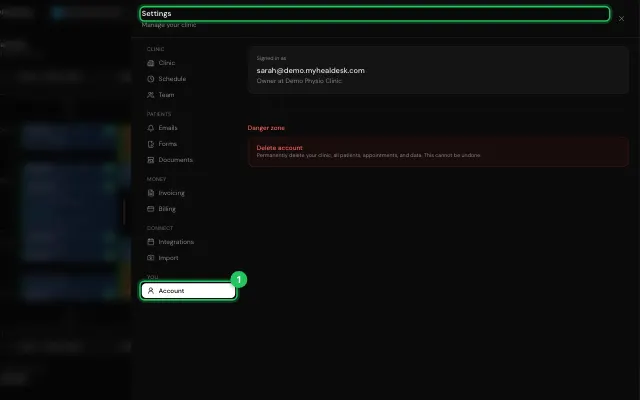
Press Delete my account (staff), or Delete account and type DELETE (owner).
Open it in MyHealDesk
Opens this in the dashboard's Help, with Show me.
Something missing or unclear? Suggest a feature
Ask an AI about it: Ask ChatGPT Ask Claude Read this page as markdown