
A booking button on a website you already have
Put online booking on your existing website as a popup button, an inline widget or an iframe, by copying a piece of code.
How to use it
Open Settings → Schedule, at Embed on your website.
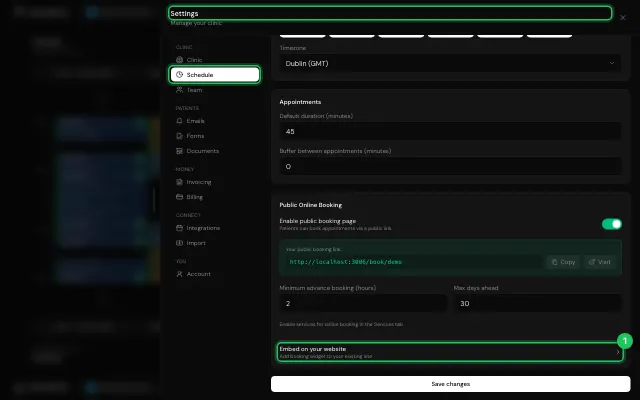
Choose Popup Button, Inline Widget or Simple iframe, and copy the code into your site.
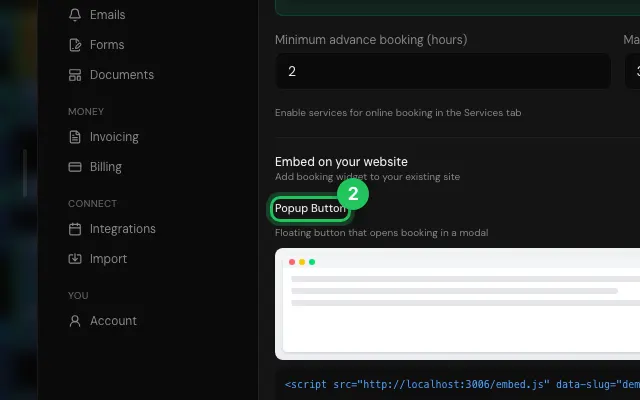
Open it in MyHealDesk
Opens this in the dashboard's Help, with Show me.
Something missing or unclear? Suggest a feature
Ask an AI about it: Ask ChatGPT Ask Claude Read this page as markdown