
Editing pages
The page editor builds pages from elements. Switch between desktop and mobile, preview, undo, and bring back an earlier version from its history.
On the Growth plan and up.
How to use it
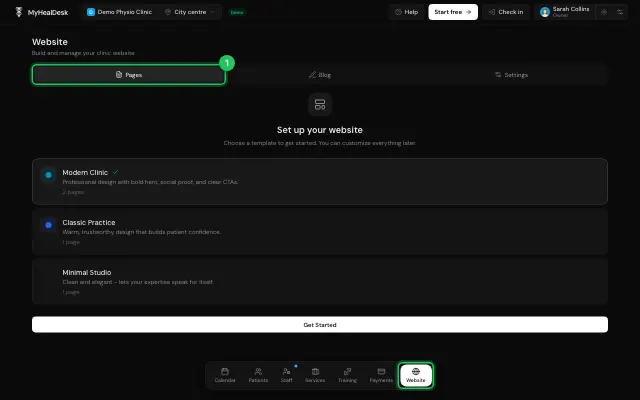
In Website → Pages, choose a page and Edit page.
Work with Elements and Layers, check Desktop / Mobile and Preview; Ctrl/Cmd+S saves.
Version history brings back an earlier version.
Open it in MyHealDesk
Opens this in the dashboard's Help, with Show me.
Something missing or unclear? Suggest a feature
Ask an AI about it: Ask ChatGPT Ask Claude Read this page as markdown