
Your clinic's website
Build a website from a template, with pages, a blog, your services and team and online booking. It lives at yourclinic.myhealdesk.com, or at your own domain.
On the Growth plan and up.
How to use it
Open Website and pick a template under Set up your website.
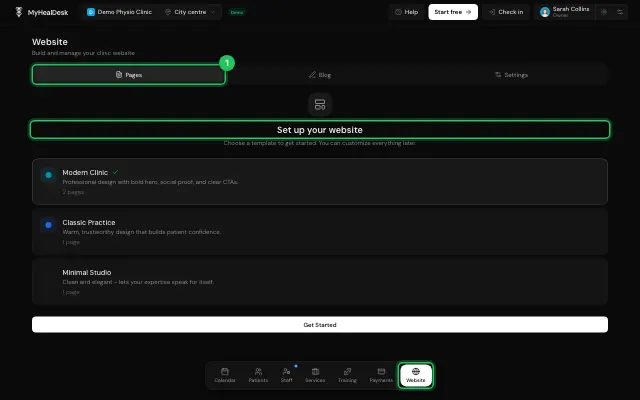
Edit the pages in Pages.
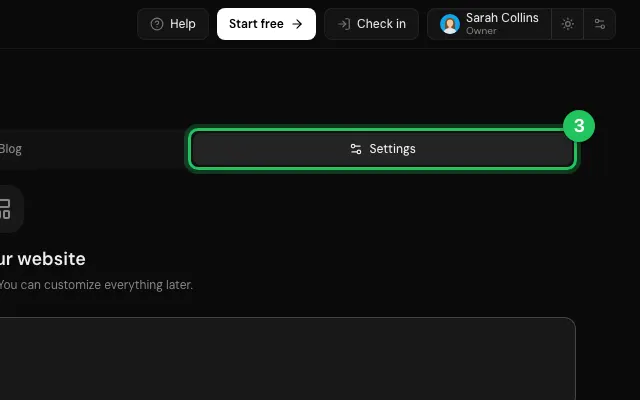
Switch on Publish website in the website's Settings.
Watch it
0:00 / 0:00
Open it in MyHealDesk
Opens this in the dashboard's Help, with Show me.
Something missing or unclear? Suggest a feature
Ask an AI about it: Ask ChatGPT Ask Claude Read this page as markdown