
Changing a payment, part payments, receipts and refunds
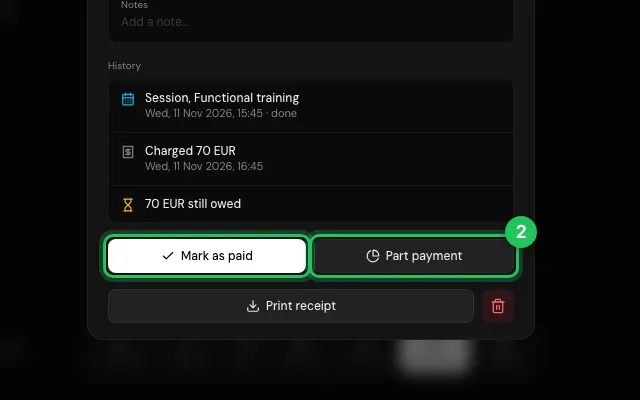
Open any payment to change its date, service or method, mark it paid, record part of it, print a receipt or refund it.
How to use it
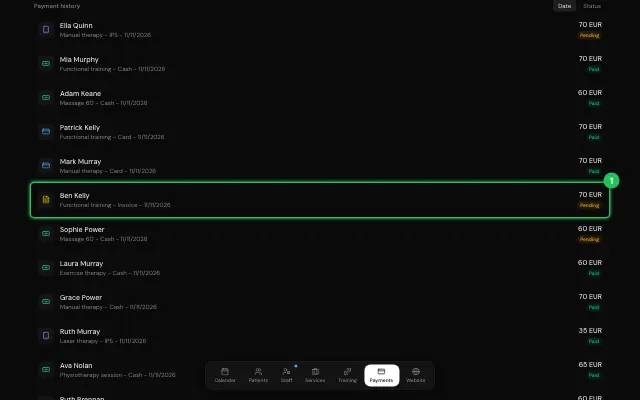
In Payments, click the payment in the history.
Use Mark as paid, Part payment, Print receipt or Refund.
Open it in MyHealDesk
Opens this in the dashboard's Help, with Show me.
Something missing or unclear? Suggest a feature
Ask an AI about it: Ask ChatGPT Ask Claude Read this page as markdown