
Insights
Any period at a glance: money in and out, what you kept and what's still owed, sessions, packages, each therapist's work, your busiest hours, where patients come from, Google reviews and who paid the most.
On the Growth plan and up.
How to use it
Open Payments and switch to Insights.
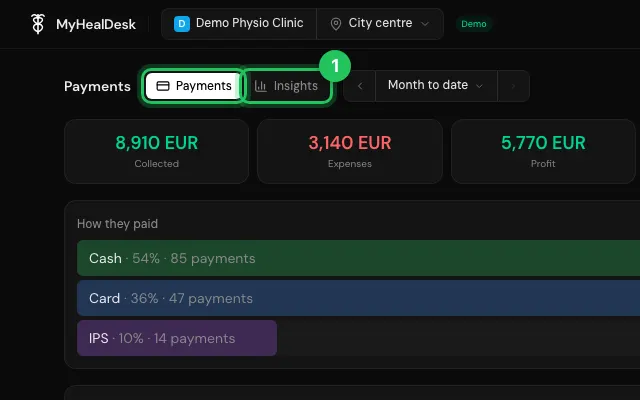
Pick the period.
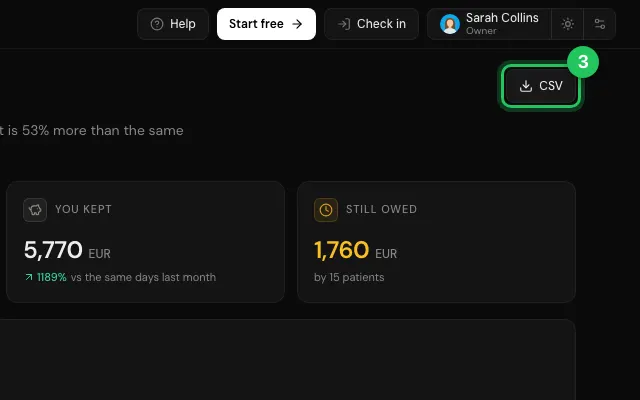
Export any section with CSV.
Watch it
0:00 / 0:00
Open it in MyHealDesk
Opens this in the dashboard's Help, with Show me.
Something missing or unclear? Suggest a feature
Ask an AI about it: Ask ChatGPT Ask Claude Read this page as markdown