
One month at a time, and filtering payments
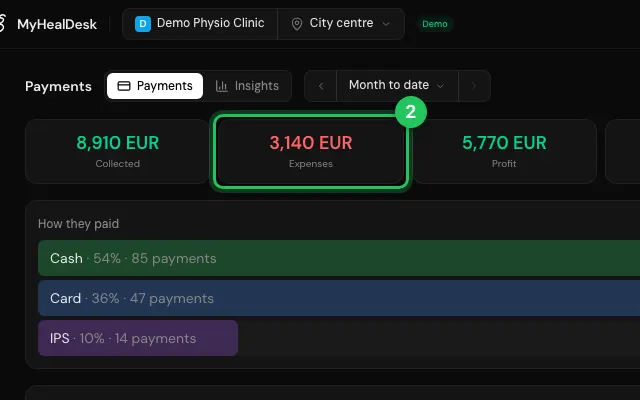
Pick a period (this month, the last 30 days, any dates) and filter by method, status or patient, or by category for expenses. The cards at the top (Collected, Expenses, Pending and the rest) filter the list when tapped.
How to use it
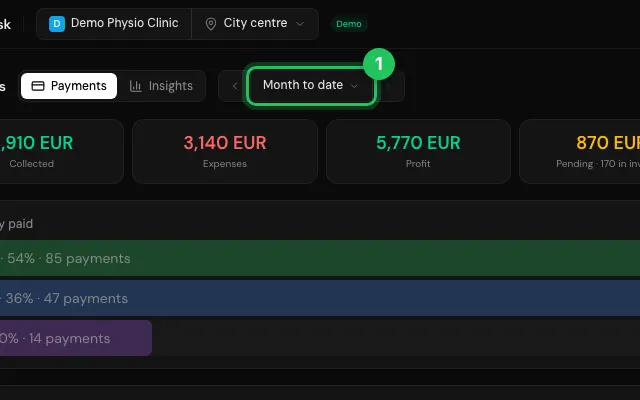
In Payments, press the period and choose one, or press T, Y, W or 3.
Tap Expenses among the cards to see only expenses.
Use the filters above the list for the rest.
Open it in MyHealDesk
Opens this in the dashboard's Help, with Show me.
Something missing or unclear? Suggest a feature
Ask an AI about it: Ask ChatGPT Ask Claude Read this page as markdown