
Creating a training
Build a training for a patient: exercises in cycles, with sets, reps or seconds, load (total or each side), rest, RPE, tempo and a note. Save it as a template to reuse.
On the Growth plan and up.
How to use it
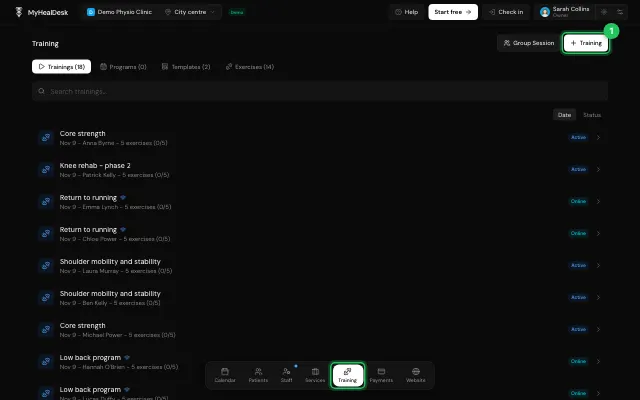
In Training, press Training.
Pick the patient, the date and a category.
Add exercises and fill in their sets.
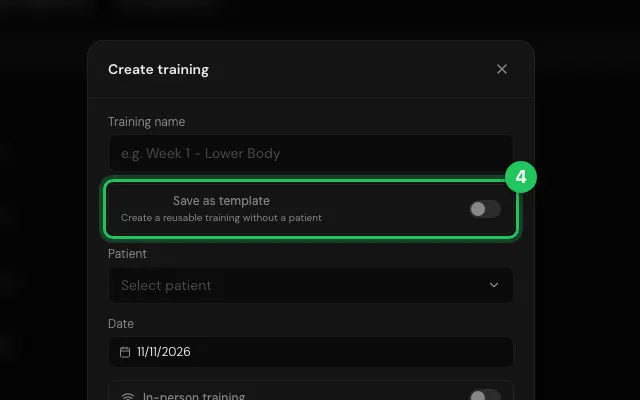
Save as template keeps it for next time.
Watch it
0:00 / 0:00
Open it in MyHealDesk
Opens this in the dashboard's Help, with Show me.
Something missing or unclear? Suggest a feature
Ask an AI about it: Ask ChatGPT Ask Claude Read this page as markdown