
Templates and folders
Keep ready-made trainings as templates, grouped by category like folders. Move or delete one from its ⋯ menu, and give one to a patient with a date.
On the Growth plan and up.
How to use it
Open Training → Templates.
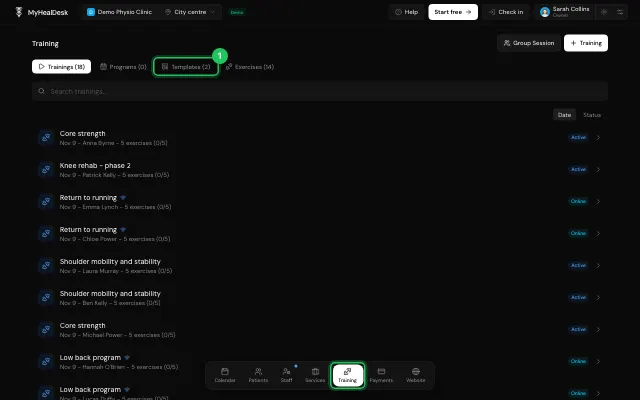
Use ⋯ on a template to move it to another category or delete it.
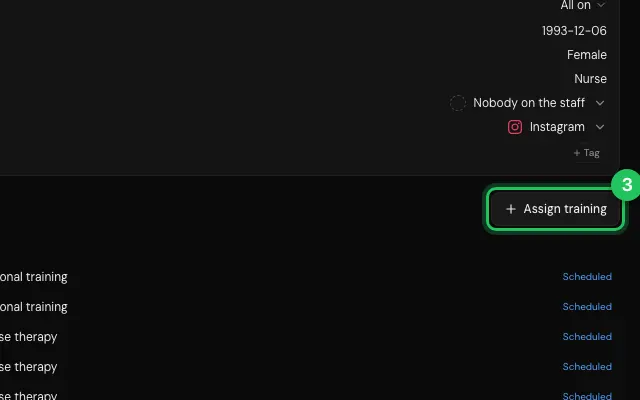
In a patient's file, Assign training picks a template and a date.
Open it in MyHealDesk
Opens this in the dashboard's Help, with Show me.
Something missing or unclear? Suggest a feature
Ask an AI about it: Ask ChatGPT Ask Claude Read this page as markdown