
Group sessions
Run two or more patients' trainings at once and move between them with a swipe, or ← and →.
On the Growth plan and up.
How to use it
In Training, press Group Session and pick the trainings.
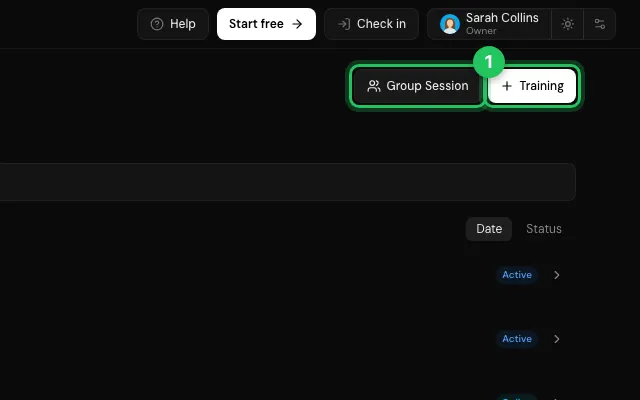
Record each patient's sets; End Session finishes.
Open it in MyHealDesk
Opens this in the dashboard's Help, with Show me.
Something missing or unclear? Suggest a feature
Ask an AI about it: Ask ChatGPT Ask Claude Read this page as markdown