
The exercise library
Your exercises, with descriptions and videos. Filter them by muscle on the body map, add your own, or select several to delete.
On the Growth plan and up.
How to use it
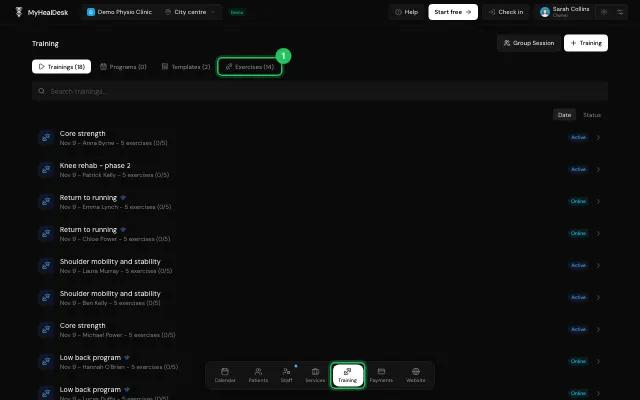
Open Training → Exercises.
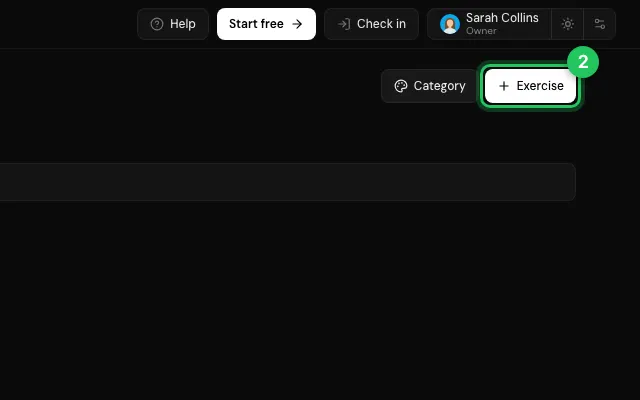
Press Exercise to add one, with name, category, description and a video link.
Tap a muscle on the body map to filter.
Open it in MyHealDesk
Opens this in the dashboard's Help, with Show me.
Something missing or unclear? Suggest a feature
Ask an AI about it: Ask ChatGPT Ask Claude Read this page as markdown