
Recording a training as it happens
Open a patient's training and record each set as they do it, with their previous loads as hints. Finish it even when not every exercise was done, so the history stays true.
On the Growth plan and up.
How to use it
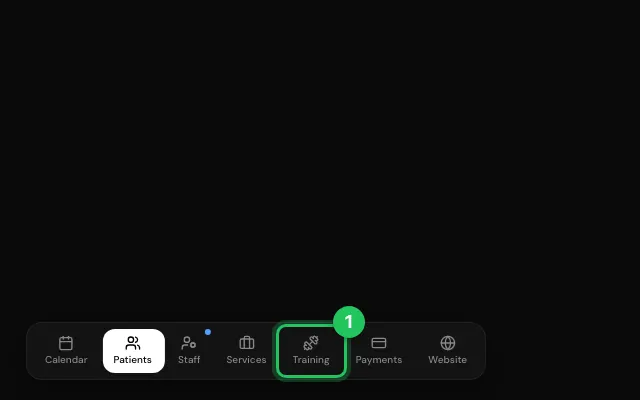
Open the training from Training or from the patient's file.
Record the sets; mark a cycle as a superset if it is one.
Press Finish training.
Open it in MyHealDesk
Opens this in the dashboard's Help, with Show me.
Something missing or unclear? Suggest a feature
Ask an AI about it: Ask ChatGPT Ask Claude Read this page as markdown