
Email announcements to patients
Send one email to all your patients or to a group by age, gender, tags or location: holidays, a new service, new hours. Patients can unsubscribe from announcements, and your plan includes a number of these emails each month.
How to use it
In Patients, press Announce.
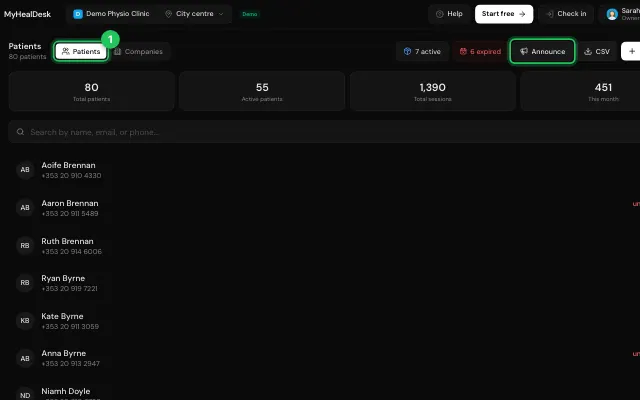
Choose who gets it, write the message (bold, links and your logo work) and send it.
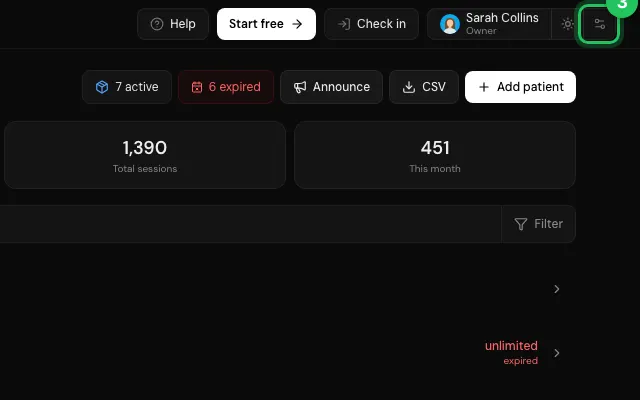
More emails can be bought in Settings → Billing when the month's run out.
Open it in MyHealDesk
Opens this in the dashboard's Help, with Show me.
Something missing or unclear? Suggest a feature
Ask an AI about it: Ask ChatGPT Ask Claude Read this page as markdown