
Exporting patients (CSV)
Download the patient list as a spreadsheet: the current results after search and filters, or everyone.
How to use it
In Patients, press CSV.
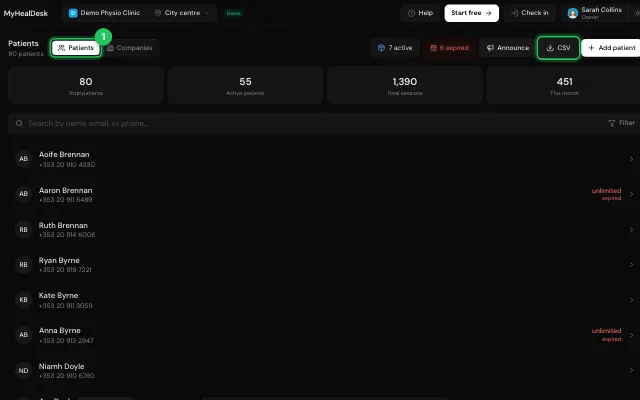
Choose the columns and the current results or all patients.
Open it in MyHealDesk
Opens this in the dashboard's Help, with Show me.
Something missing or unclear? Suggest a feature
Ask an AI about it: Ask ChatGPT Ask Claude Read this page as markdown