
Adding a patient
Add patients with their contact details, a nickname to tell two of the same name apart, their company, who brought them in, how they found you and their location.
How to use it
In Patients, press Add patient.
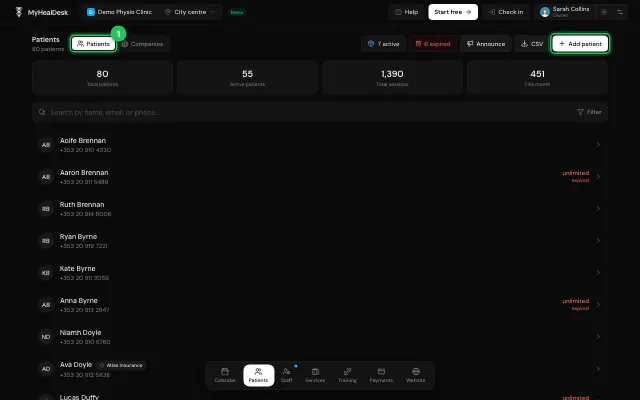
Fill in the details and save.
While booking, + New patient adds one without leaving the calendar.
Open it in MyHealDesk
Opens this in the dashboard's Help, with Show me.
Something missing or unclear? Suggest a feature
Ask an AI about it: Ask ChatGPT Ask Claude Read this page as markdown