
Companies and insurers
Keep the companies and insurers your patients come through, with their details, logo and PIB, and whether their invoices go with the medical report. Then invoice a company for all its patients' visits at once.
How to use it
In Patients, switch to Companies.
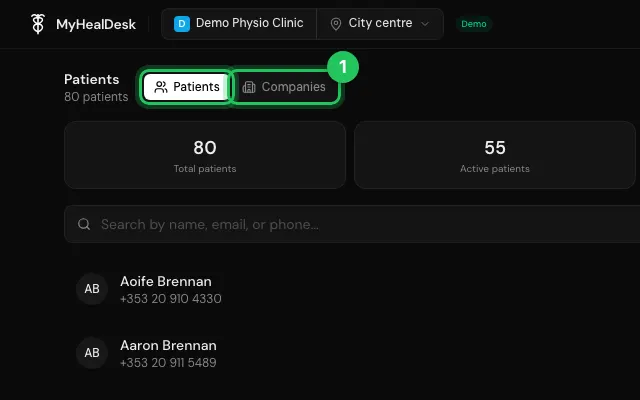
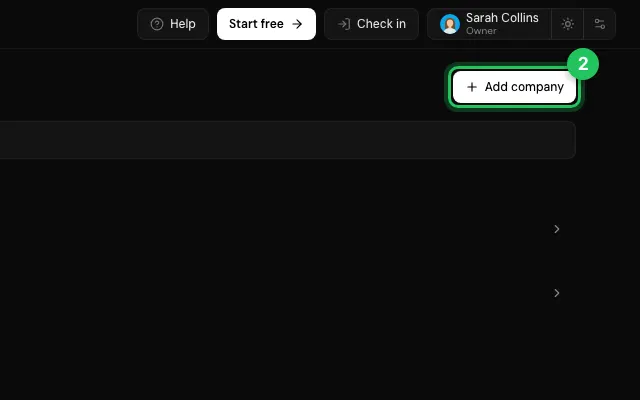
Press Add company: tick one from the list of insurers or look it up by PIB.
Pick the company on each patient (Company) when adding or editing them.
Open it in MyHealDesk
Opens this in the dashboard's Help, with Show me.
Something missing or unclear? Suggest a feature
Ask an AI about it: Ask ChatGPT Ask Claude Read this page as markdown