
Finding patients: search and filters
Search by name, email or phone, and narrow the list with Filter: package, last visit, when they joined, balance, company, tag, how they found you, who brought them in, contact details, birthday, city or occupation.
How to use it
In Patients, type in the search box.
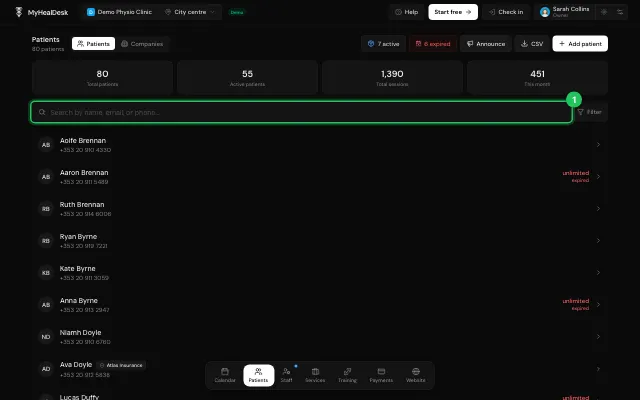
Press Filter at its end and pick what to filter on. Each filter shows as a chip to change or remove.
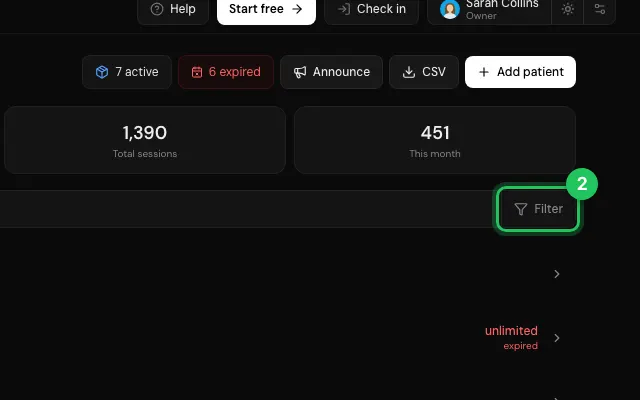
Clear removes them all.
Open it in MyHealDesk
Opens this in the dashboard's Help, with Show me.
Something missing or unclear? Suggest a feature
Ask an AI about it: Ask ChatGPT Ask Claude Read this page as markdown