
Automatic emails to patients
Confirmations, a reminder 24 hours before, cancellations and changes, invoices and reports, package and unpaid balance reminders, birthdays and review requests. Switch each on or off, send yourself a test, and change the wording, per location if you like.
How to use it
Open Settings → Emails.
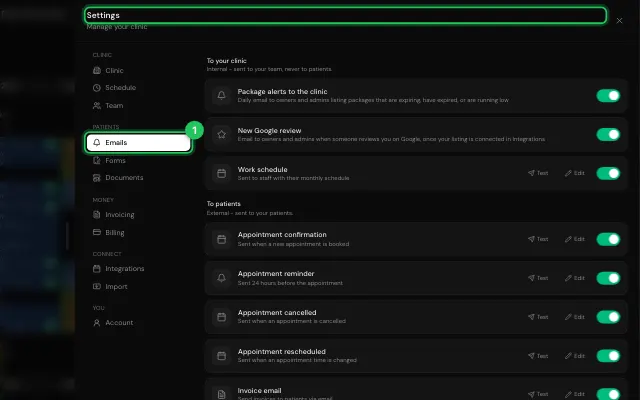
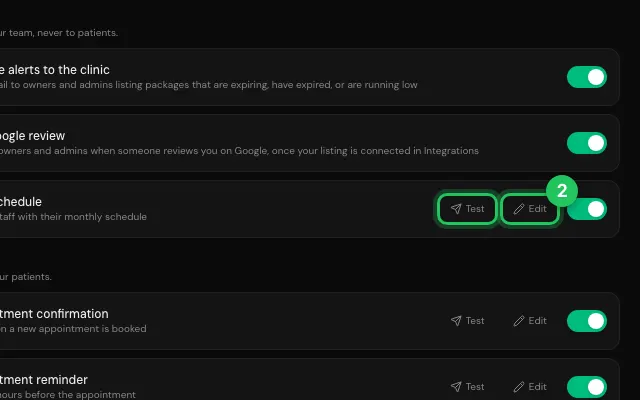
Switch an email on or off; Test sends it to you; Edit changes its subject and text.
Open it in MyHealDesk
Opens this in the dashboard's Help, with Show me.
Something missing or unclear? Suggest a feature
Ask an AI about it: Ask ChatGPT Ask Claude Read this page as markdown