
Importing patients
Bring patients in from a spreadsheet, matching your columns to patient fields (duplicate phone numbers are skipped), or from Bookly, with their appointments.
How to use it
Open Settings → Import.
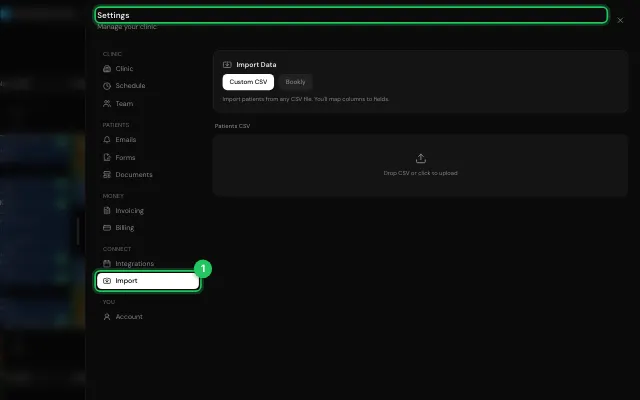
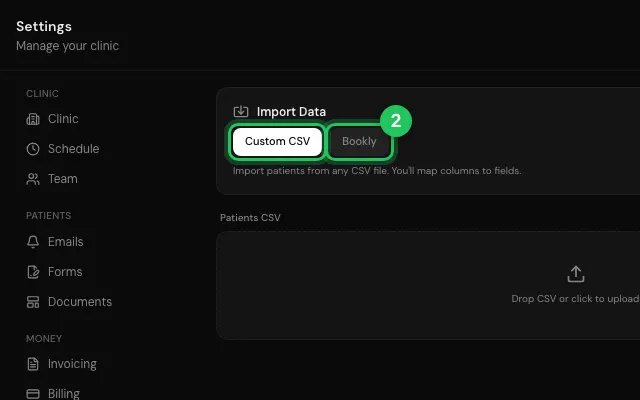
Choose Custom CSV or Bookly and follow the steps.
Open it in MyHealDesk
Opens this in the dashboard's Help, with Show me.
Something missing or unclear? Suggest a feature
Ask an AI about it: Ask ChatGPT Ask Claude Read this page as markdown