
Working hours
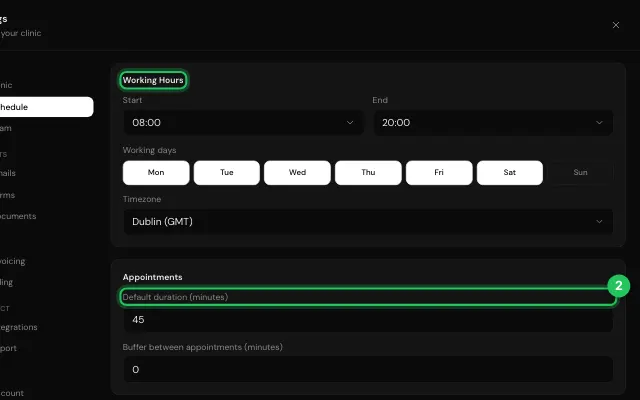
Working hours and days, set per location when they differ, the time zone, the default appointment length and a buffer between appointments.
How to use it
Open Settings → Schedule.
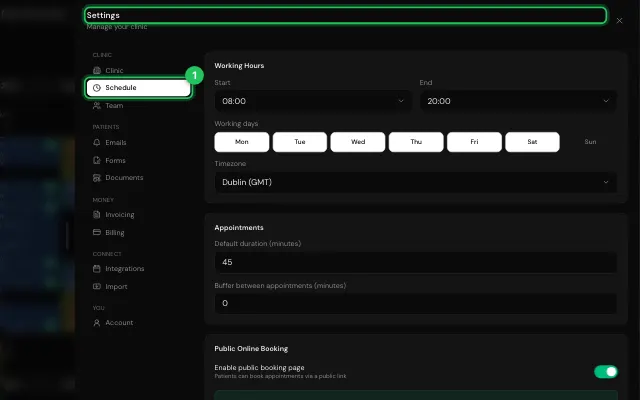
Set Working Hours (or Set hours just for one location), the working days, Default duration and the buffer.
Open it in MyHealDesk
Opens this in the dashboard's Help, with Show me.
Something missing or unclear? Suggest a feature
Ask an AI about it: Ask ChatGPT Ask Claude Read this page as markdown