
Your letterhead on documents
Use your own design on reports, invoices, receipts, questionnaires, meal plans, the patient file, intake forms and pay statements: upload it, or say your paper is pre-printed, and drag the parts into place.
How to use it
Open Settings → Documents.
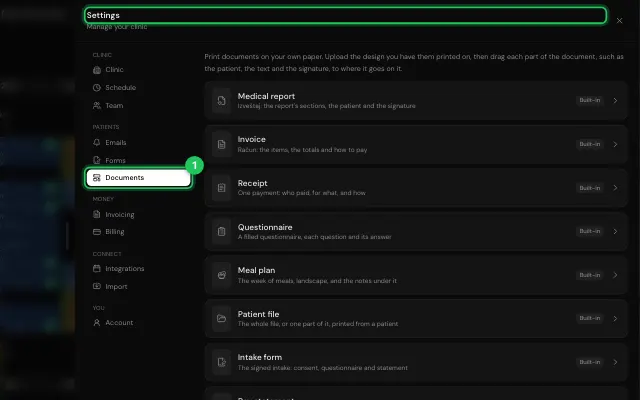
Choose a document, upload your design (or tick Our paper is pre-printed), arrange it and press Save.
Open it in MyHealDesk
Opens this in the dashboard's Help, with Show me.
Something missing or unclear? Suggest a feature
Ask an AI about it: Ask ChatGPT Ask Claude Read this page as markdown