
Clinic details, logo and colour
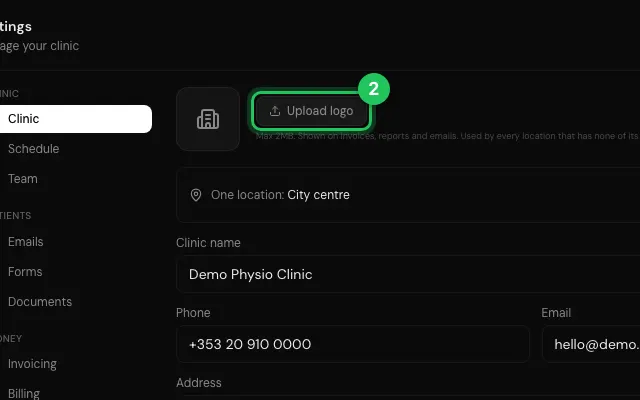
Your clinic's name, address, PIB and contacts (looked up in the business register by PIB), a logo for each location, and the brand colour used across the app and your documents.
How to use it
Open Settings → Clinic.
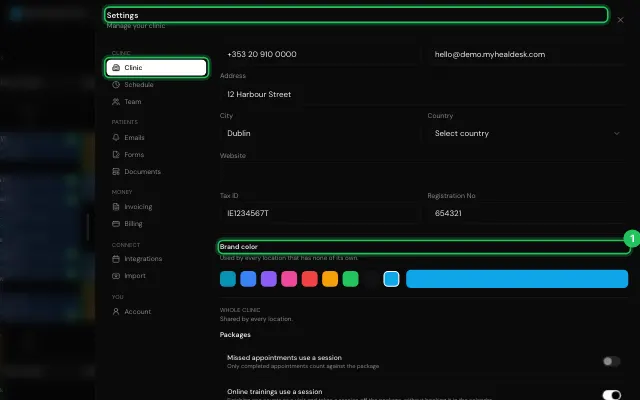
Upload logo, fill in the details and pick the Brand color.
Open it in MyHealDesk
Opens this in the dashboard's Help, with Show me.
Something missing or unclear? Suggest a feature
Ask an AI about it: Ask ChatGPT Ask Claude Read this page as markdown