
Checking in and out
Staff check in when they arrive, take breaks and check out from the clock in the top bar, and their hours go into Pay.
How to use it
Press Check in at the bottom right (on a phone, in the top bar).
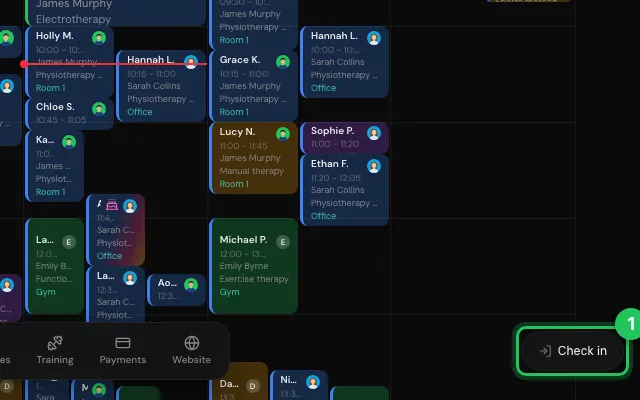
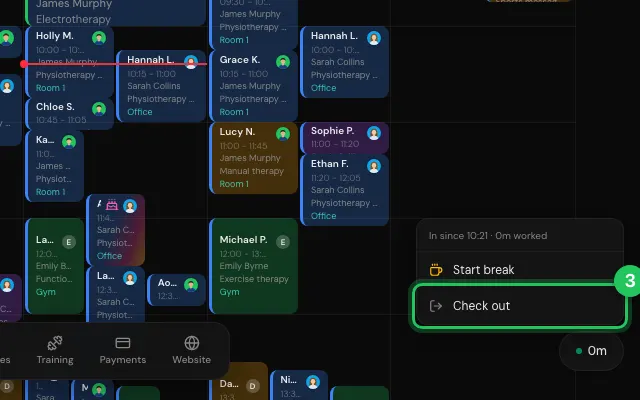
During the day, press the clock for Start break and End break.
Check out at the end of the day.
Watch it
0:00 / 0:00
Open it in MyHealDesk
Opens this in the dashboard's Help, with Show me.
Something missing or unclear? Suggest a feature
Ask an AI about it: Ask ChatGPT Ask Claude Read this page as markdown