
A team member's profile and access
Each person's photo (shown on your website too), name, professional title, date of birth, role and the locations they can see.
How to use it
In Staff → Team, click the person.
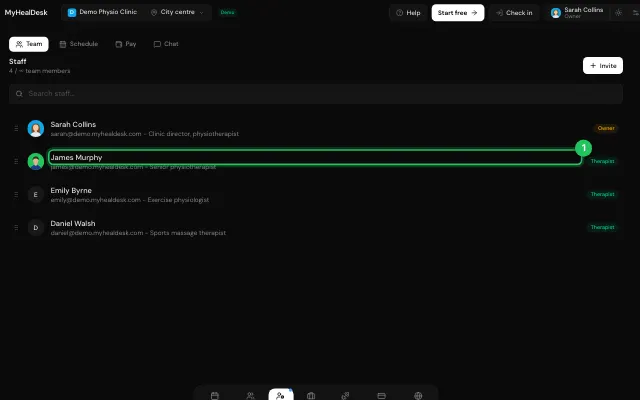
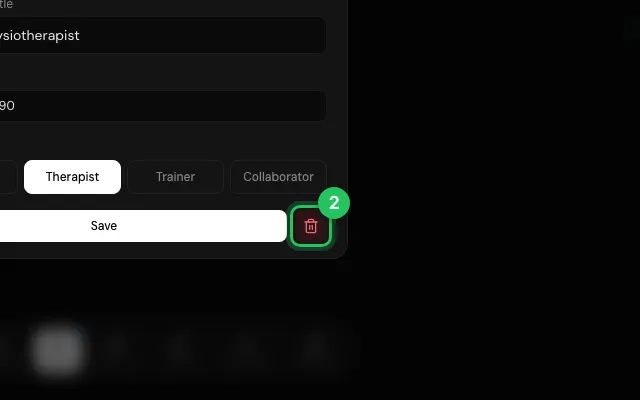
Edit and save; Remove member takes them off the team.
Drag people in the list to change their order.
Open it in MyHealDesk
Opens this in the dashboard's Help, with Show me.
Something missing or unclear? Suggest a feature
Ask an AI about it: Ask ChatGPT Ask Claude Read this page as markdown