
The team chat
A chat for the team, per location, for the day-to-day. In the phone app new messages come as notifications.
How to use it
Open Staff → Chat.
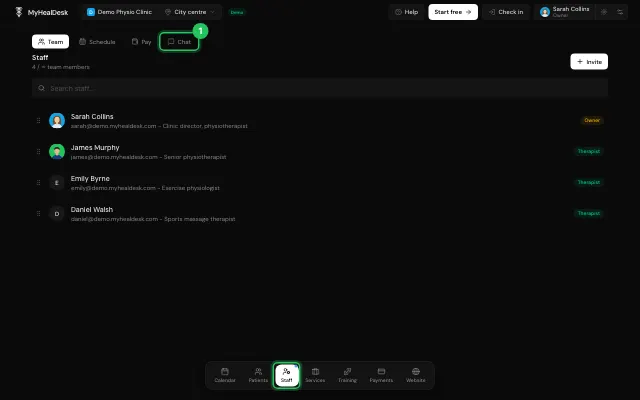
Write and press Enter. Swipe left on your own message to delete it.
The bell switches email notifications on or off.
Open it in MyHealDesk
Opens this in the dashboard's Help, with Show me.
Something missing or unclear? Suggest a feature
Ask an AI about it: Ask ChatGPT Ask Claude Read this page as markdown