
Staff pay
Set each person's pay terms (fixed monthly, a daily rate by hours, a percentage of services or of the patients they brought in, and a bonus), and MyHealDesk works out what they've earned this month and what's been paid.
How to use it
Open Staff → Pay.
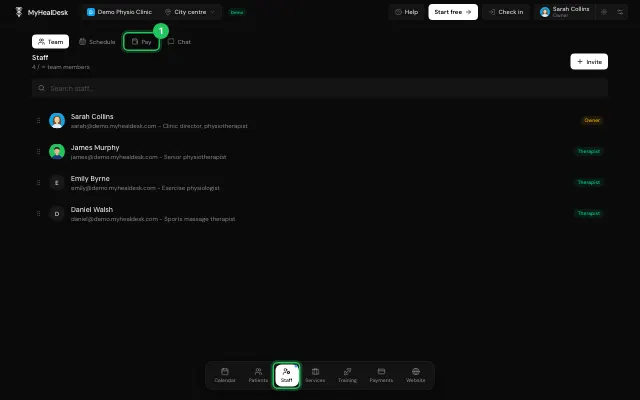
Set the person's Terms.
Check the month and press Pay to record the payout, which goes into expenses under Salaries. Everything owed can be paid at once.
Download their statement as a PDF.
Watch it
0:00 / 0:00
Open it in MyHealDesk
Opens this in the dashboard's Help, with Show me.
Something missing or unclear? Suggest a feature
Ask an AI about it: Ask ChatGPT Ask Claude Read this page as markdown