
The daily report
At the end of the day, Daily report lists the day's patients with What was done, Plan going forward and Note, and posts it in the chat.
How to use it
In Staff → Chat, press Daily report.
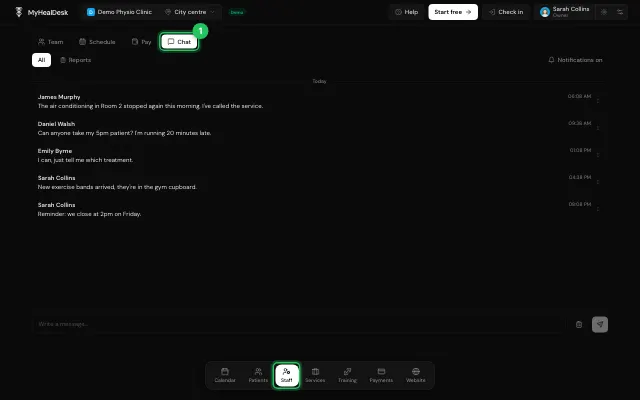
Fill it in for each patient and post it.
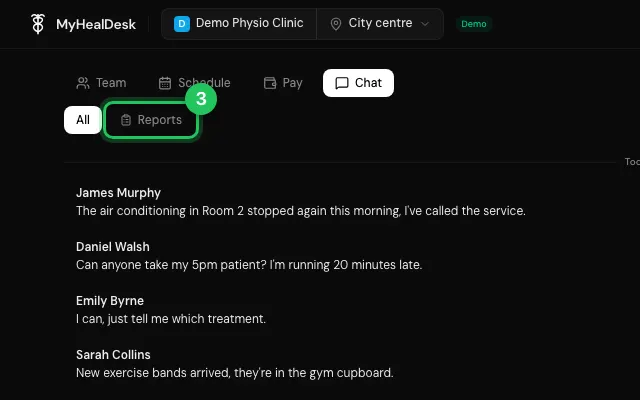
The Reports filter shows only reports.
Open it in MyHealDesk
Opens this in the dashboard's Help, with Show me.
Something missing or unclear? Suggest a feature
Ask an AI about it: Ask ChatGPT Ask Claude Read this page as markdown