
The monthly work schedule
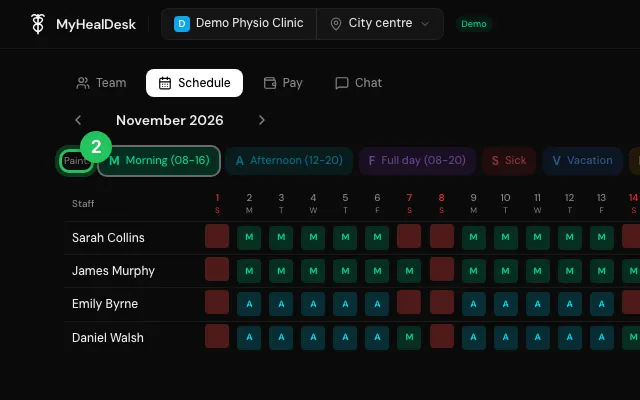
Plan who works when this month: paint morning, afternoon or full-day shifts, sick days, vacation and holidays across the month, then email everyone their schedule.
How to use it
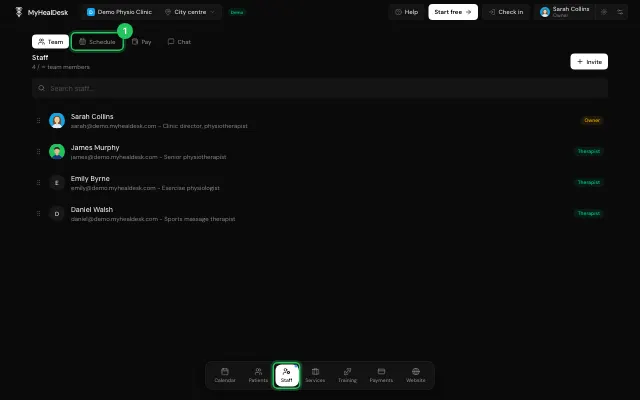
Open Staff → Schedule.
Pick a shift under Paint and click the days it covers.
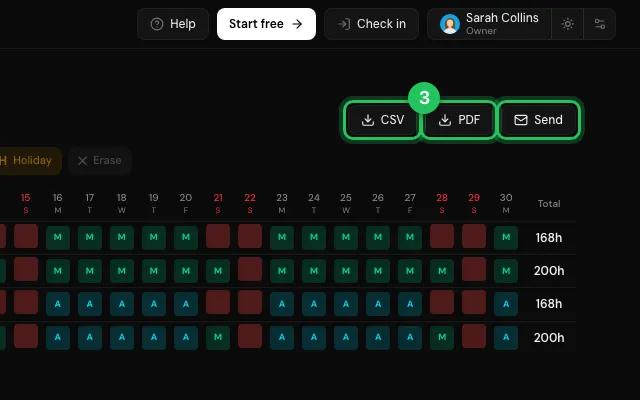
Press Send to email each person their month, or download a PDF or CSV.
Watch it
0:00 / 0:00
Open it in MyHealDesk
Opens this in the dashboard's Help, with Show me.
Something missing or unclear? Suggest a feature
Ask an AI about it: Ask ChatGPT Ask Claude Read this page as markdown