
Initial assessment (Intake)
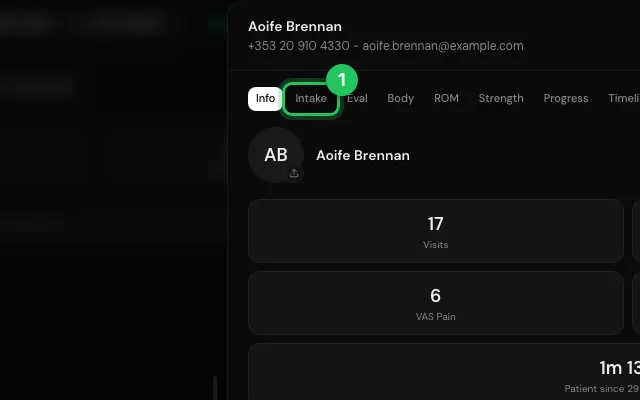
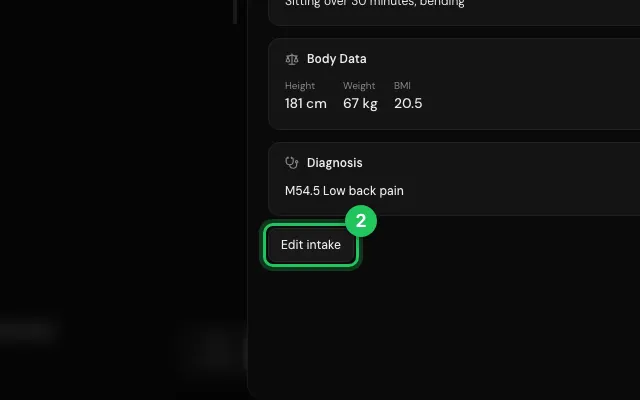
The Intake tab holds the first assessment: history, conditions (add your own) and diagnosis. Saving files an Initial assessment PDF in the patient's Files.
How to use it
Open the patient's file and go to Intake.
Press Start intake (or Edit intake), fill it in and save.
Open it in MyHealDesk
Opens this in the dashboard's Help, with Show me.
Something missing or unclear? Suggest a feature
Ask an AI about it: Ask ChatGPT Ask Claude Read this page as markdown