
The patient file
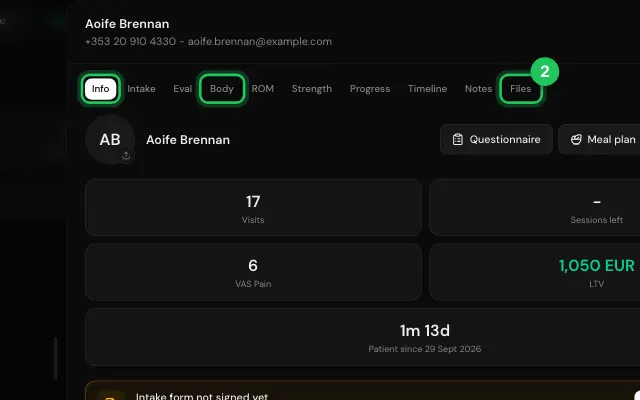
Everything about a patient is in their file, in tabs: Info (packages, reports, programs and visits), Intake, Eval, Body, ROM, Strength, Progress, Timeline, Notes and Files.
How to use it
In Patients, click a patient, or press Open patient record in a booking.
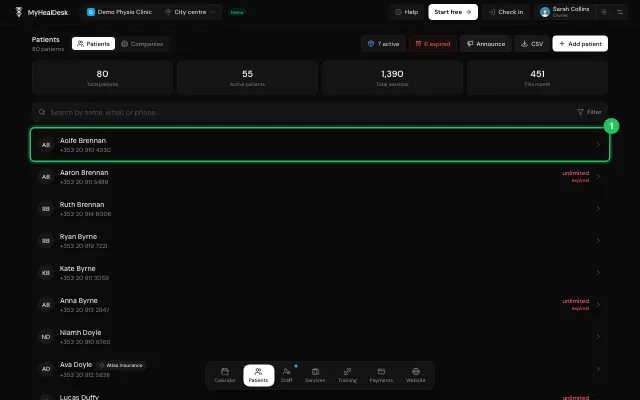
Move between the tabs at the top of the file.
Watch it
0:00 / 0:00
Open it in MyHealDesk
Opens this in the dashboard's Help, with Show me.
Something missing or unclear? Suggest a feature
Ask an AI about it: Ask ChatGPT Ask Claude Read this page as markdown