
Templates for clinical findings
Save findings you write often, one per joint for instance, and fill a report from a template, changing only what's different.
How to use it
In Create Report, open Clinical findings and press Templates.
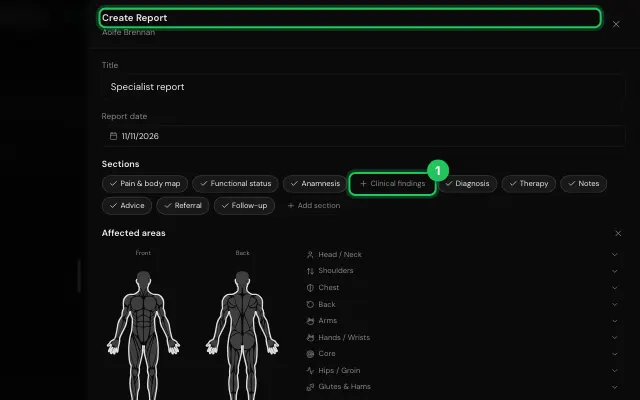
Save the text as a template, or pick one to insert.
Open it in MyHealDesk
Opens this in the dashboard's Help, with Show me.
Something missing or unclear? Suggest a feature
Ask an AI about it: Ask ChatGPT Ask Claude Read this page as markdown