
Timeline and notes
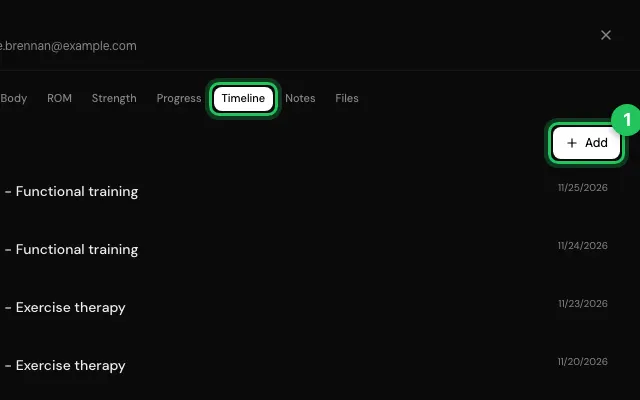
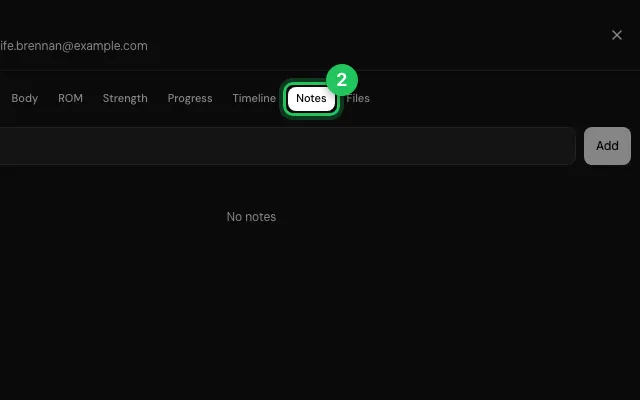
The Timeline lists treatments, procedures, trainings and notes in order; Notes keeps free notes about the patient.
How to use it
Open the patient's file, go to Timeline and press Add for a treatment, procedure, training or note.
Or go to Notes and write in Add a note….
Open it in MyHealDesk
Opens this in the dashboard's Help, with Show me.
Something missing or unclear? Suggest a feature
Ask an AI about it: Ask ChatGPT Ask Claude Read this page as markdown