
Range of motion (ROM)
Record joint, movement, left or right, active or passive, and degrees, and follow the progress. Measure with camera (beta) reads the angle from the phone or tablet camera.
How to use it
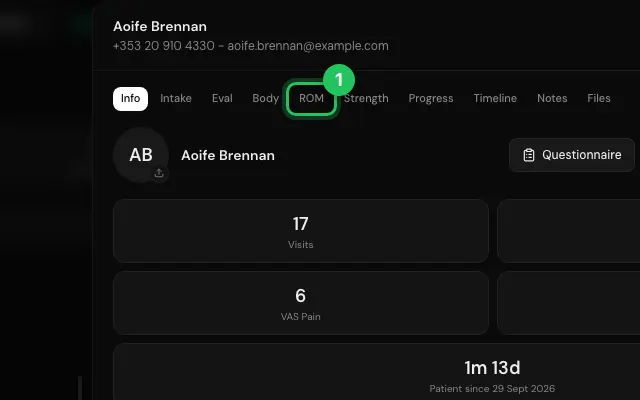
Open the patient's file and go to ROM.
Add a measurement, or press Measure with camera.
For the camera, short sleeves and a light background measure best.
Open it in MyHealDesk
Opens this in the dashboard's Help, with Show me.
Something missing or unclear? Suggest a feature
Ask an AI about it: Ask ChatGPT Ask Claude Read this page as markdown