
Meal plans
Build a week of meals from a food list with daily totals, copy one day to another, and send it to the patient as a link or a PDF.
How to use it
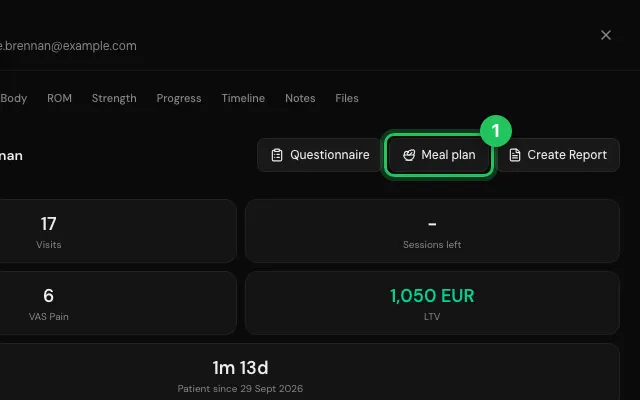
Open the patient's file and press Meal plan.
Add meals and foods; Same as a day copies that day.
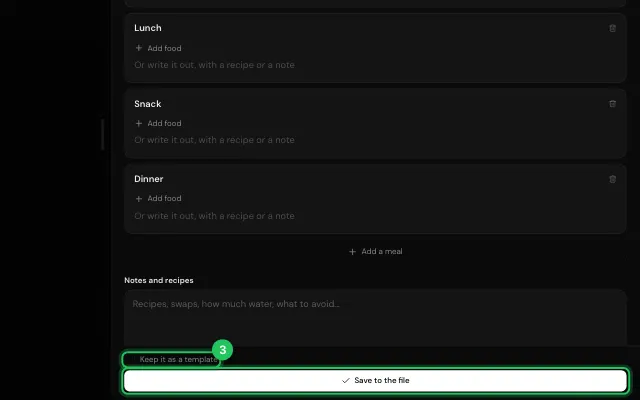
Press Save to the file, then email it or copy its link. Keep it as a template to reuse it.
Open it in MyHealDesk
Opens this in the dashboard's Help, with Show me.
Something missing or unclear? Suggest a feature
Ask an AI about it: Ask ChatGPT Ask Claude Read this page as markdown