
Blocking time
Block a stretch of time, such as a meeting, a course or a day off, so nobody books over it.
How to use it
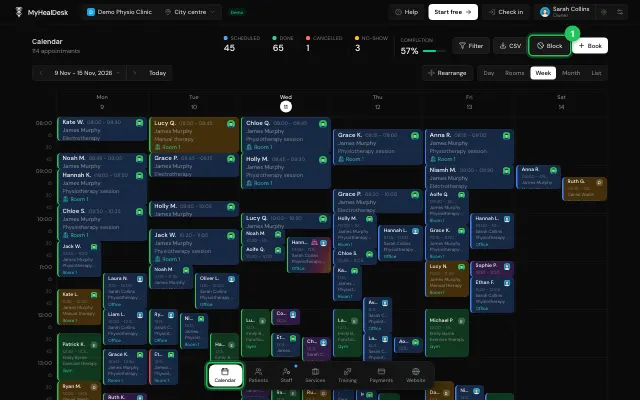
In Calendar, press Block.
Give a reason, choose All day or a From and To time, and save.
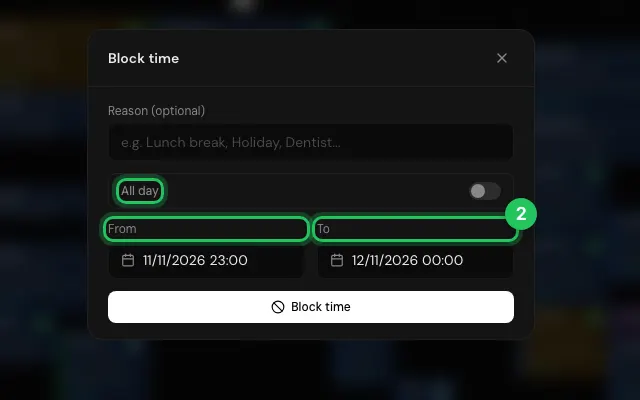
Tap a block later to change or delete it.
Open it in MyHealDesk
Opens this in the dashboard's Help, with Show me.
Something missing or unclear? Suggest a feature
Ask an AI about it: Ask ChatGPT Ask Claude Read this page as markdown