
Calling or messaging a patient from a booking
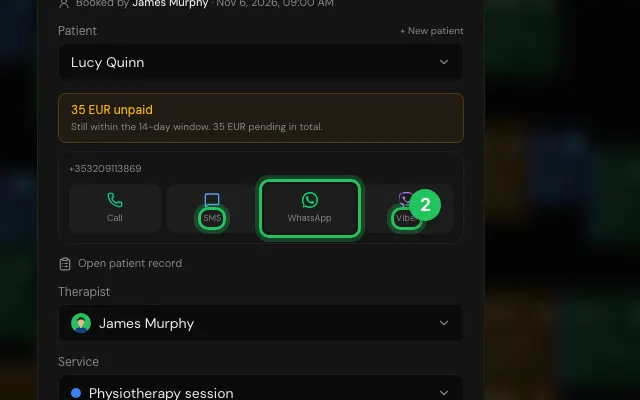
Every booking has Call, SMS, WhatsApp and Viber buttons with the patient's number, for when they're late or a visit has to move.
How to use it
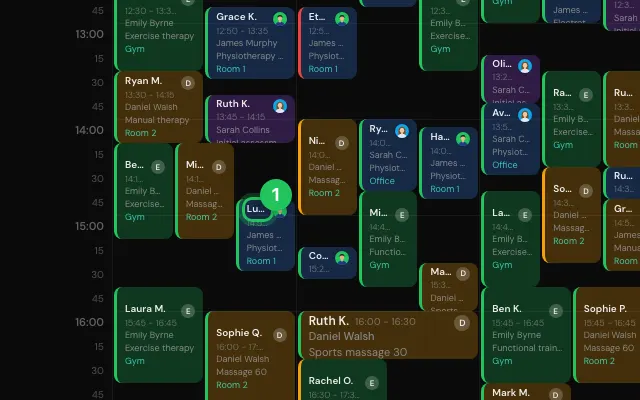
Open the booking.
Press Call, SMS, WhatsApp or Viber.
Open it in MyHealDesk
Opens this in the dashboard's Help, with Show me.
Something missing or unclear? Suggest a feature
Ask an AI about it: Ask ChatGPT Ask Claude Read this page as markdown