
Several services in one booking
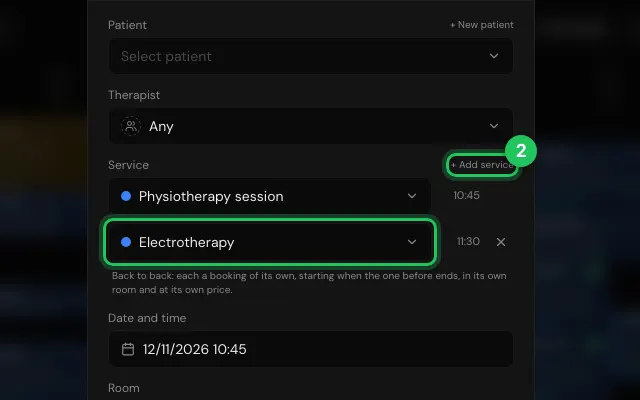
Book a patient in for several services at once, one after the other: each is its own booking in the calendar, in its own room and at its own price, and the patient gets one email with all of them.
How to use it
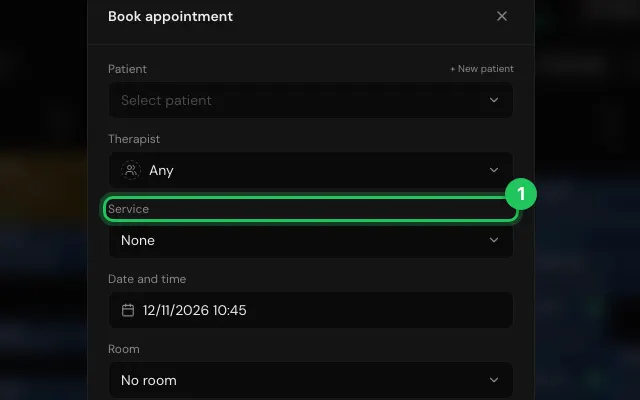
In Calendar, press Book and pick the first Service.
Press + Add service for each service after it; each one's start time shows beside it.
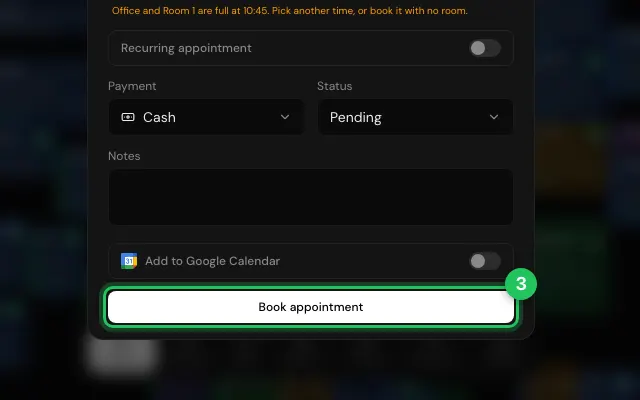
Press Book appointment: they are booked back to back, on every date when it repeats.
Open it in MyHealDesk
Opens this in the dashboard's Help, with Show me.
Something missing or unclear? Suggest a feature
Ask an AI about it: Ask ChatGPT Ask Claude Read this page as markdown