
Recording a therapy session
For therapy services, Start Therapy Session records what you did: procedures from your list or a template, where on the body, and notes. Then it completes the visit.
How to use it
Open a booking whose service is marked Therapy service (in Services).
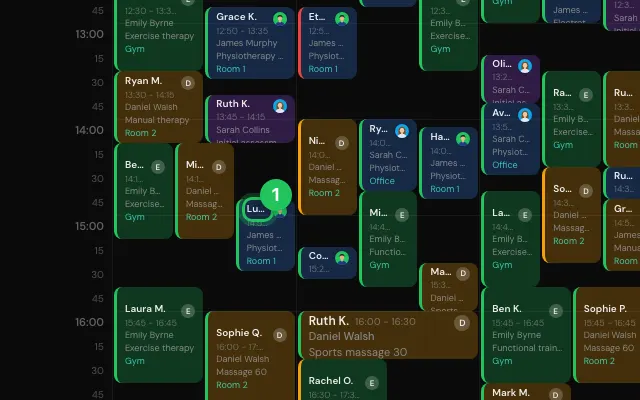
Press Start Therapy Session.
Add procedures (Add procedure, Pick from library or Templates), mark where on the body, and write notes.
Press Save, or Complete to finish the visit.
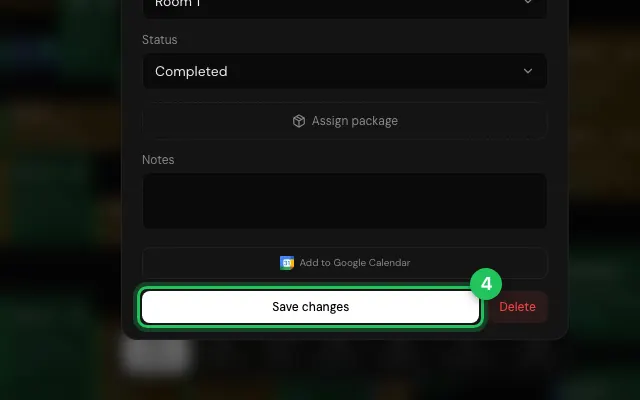
Open it in MyHealDesk
Opens this in the dashboard's Help, with Show me.
Something missing or unclear? Suggest a feature
Ask an AI about it: Ask ChatGPT Ask Claude Read this page as markdown