
Every room on one screen
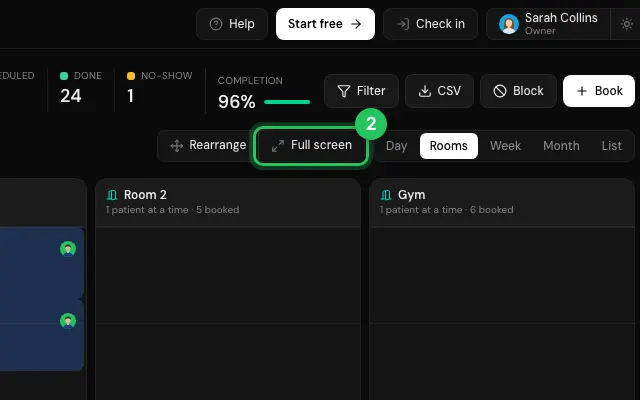
In the Rooms view, Full screen shows every room for the whole day, large, for a screen at reception or in the gym.
How to use it
Switch the calendar to Rooms.
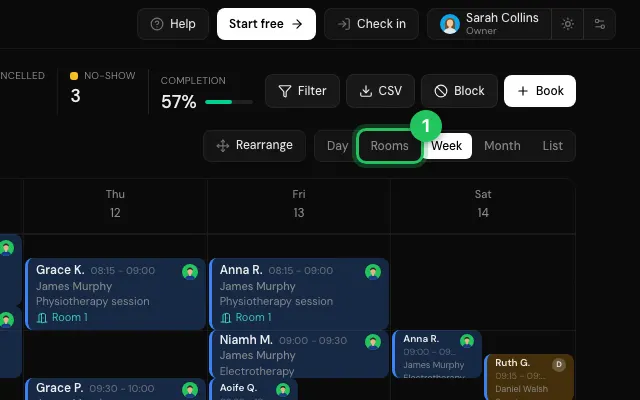
Press Full screen; Exit full screen brings the app back.
Open it in MyHealDesk
Opens this in the dashboard's Help, with Show me.
Something missing or unclear? Suggest a feature
Ask an AI about it: Ask ChatGPT Ask Claude Read this page as markdown