
Booking an appointment
Book from the calendar: pick the patient, therapist, service and time, and a free room is chosen for you. The patient gets a confirmation email if that email is switched on.
How to use it
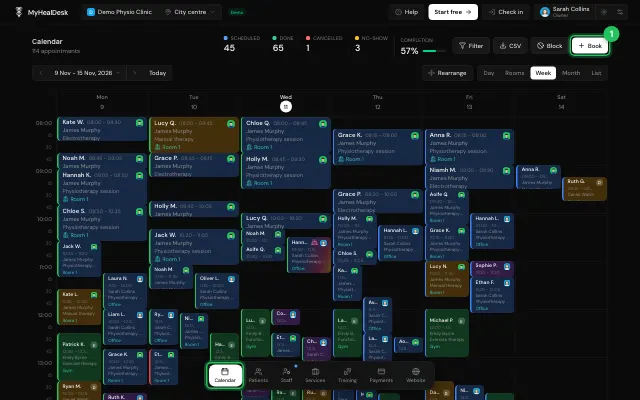
In Calendar, press Book, or tap an empty slot in the Day, Rooms or Week view.
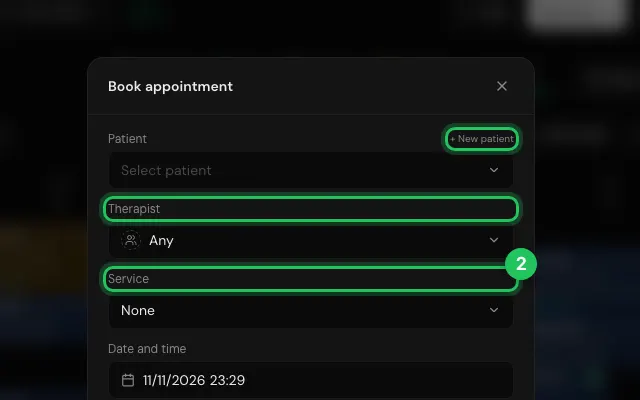
Pick the Patient (+ New patient adds one on the spot), the Therapist and the Service.
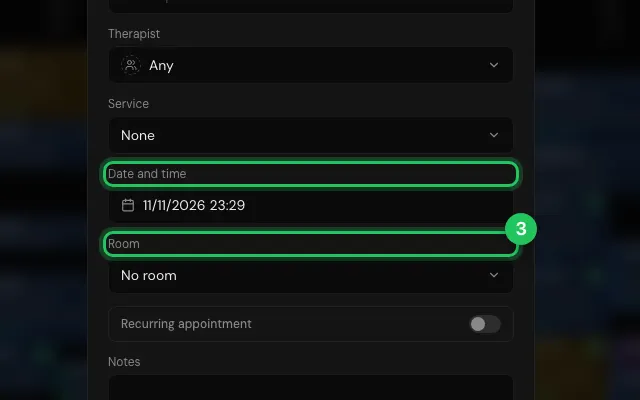
Set the Date and time; a free Room is picked for you.
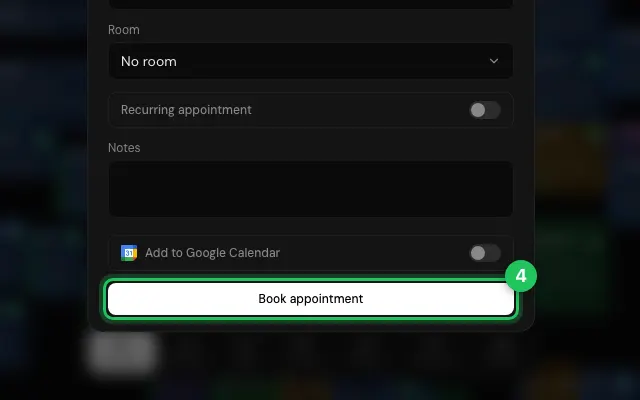
Press Book appointment.
Watch it
0:00 / 0:00
Open it in MyHealDesk
Opens this in the dashboard's Help, with Show me.
Something missing or unclear? Suggest a feature
Ask an AI about it: Ask ChatGPT Ask Claude Read this page as markdown