
Moving bookings by dragging (Rearrange)
Drag bookings to another time, room or day. Each move is saved as you drop it, and patients whose time changed get one email when you're done, not one per move.
How to use it
In the Day, Rooms or Week view, press Rearrange.
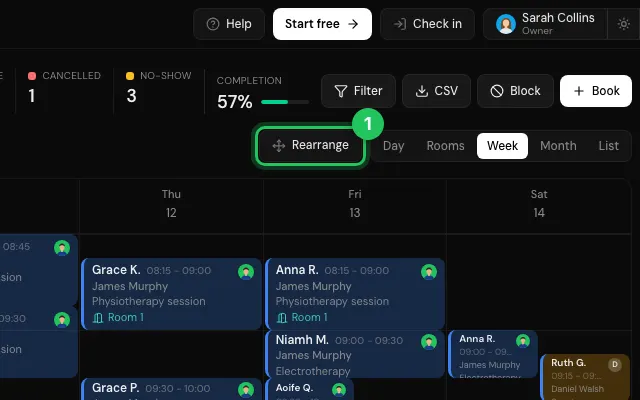
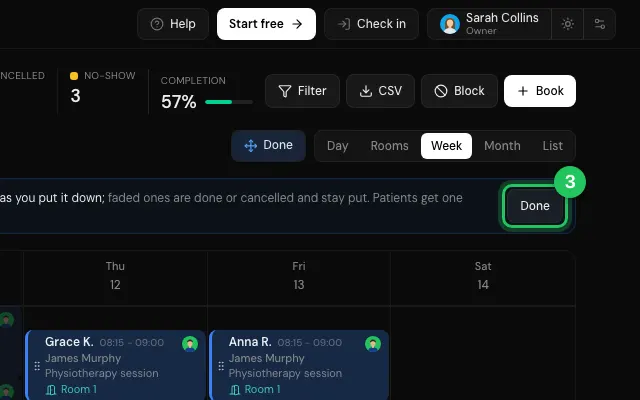
Drag each booking by its grip to its new place.
Press Done: the patients who were moved get their new time by email.
Open it in MyHealDesk
Opens this in the dashboard's Help, with Show me.
Something missing or unclear? Suggest a feature
Ask an AI about it: Ask ChatGPT Ask Claude Read this page as markdown