
Exporting appointments (CSV)
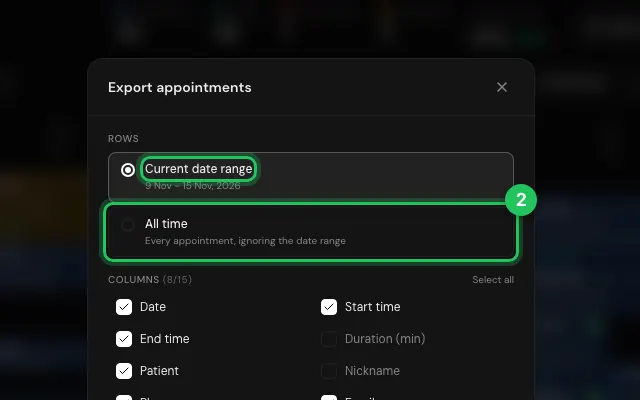
Download bookings as a spreadsheet, with the columns you choose, for the dates on screen or for all time. Filters apply, so you can export one therapist's or one company's visits.
How to use it
In Calendar, press CSV.
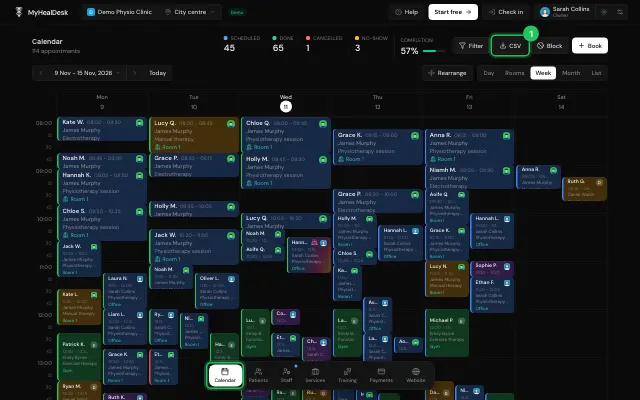
Tick the columns, choose Current date range or All time, and download.
Open it in MyHealDesk
Opens this in the dashboard's Help, with Show me.
Something missing or unclear? Suggest a feature
Ask an AI about it: Ask ChatGPT Ask Claude Read this page as markdown