
Recurring appointments
Book a whole series at once: every day, every week, every 2 weeks or every month, and add more weekdays at their own times, such as Monday at 9:00 and Thursday at 17:00.
How to use it
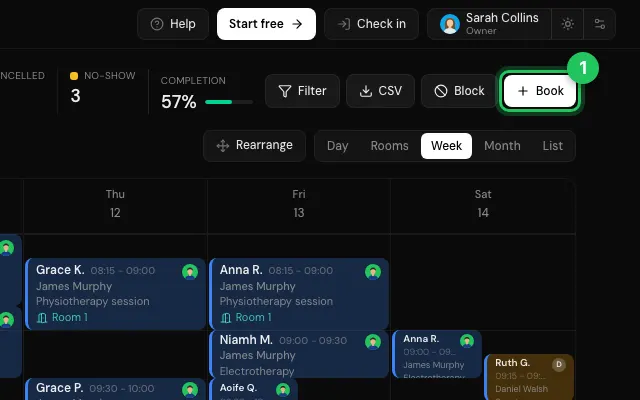
Start a booking with Book.
Turn on Recurring appointment and choose how often.
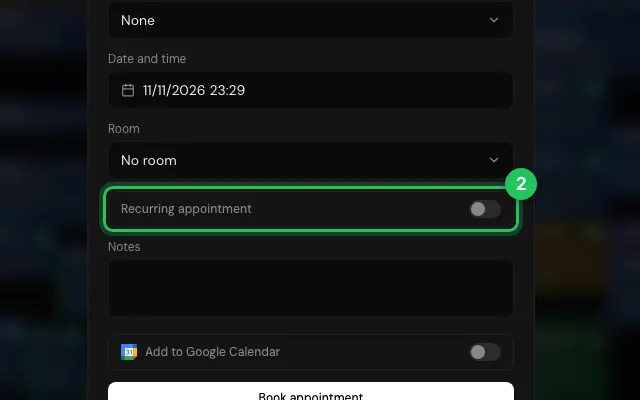
Add another weekday if the patient comes twice a week, each with its own time.
Open it in MyHealDesk
Opens this in the dashboard's Help, with Show me.
Something missing or unclear? Suggest a feature
Ask an AI about it: Ask ChatGPT Ask Claude Read this page as markdown