
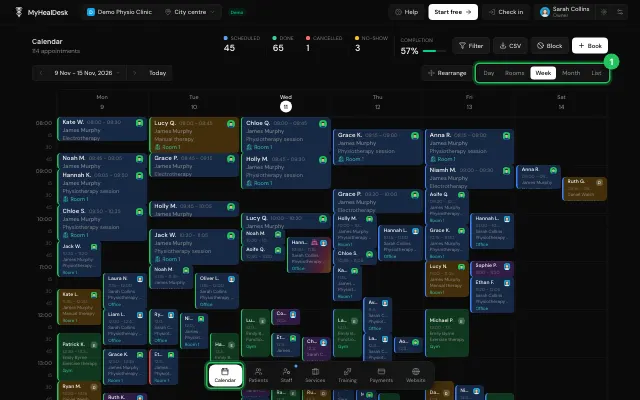
Day, Rooms, Week, Month and List views
Switch how the calendar shows your bookings; it remembers the view on this device. Rooms shows each room side by side once the clinic has rooms, and List shows bookings as rows for any period.
How to use it
Use the view switch at the top of Calendar.
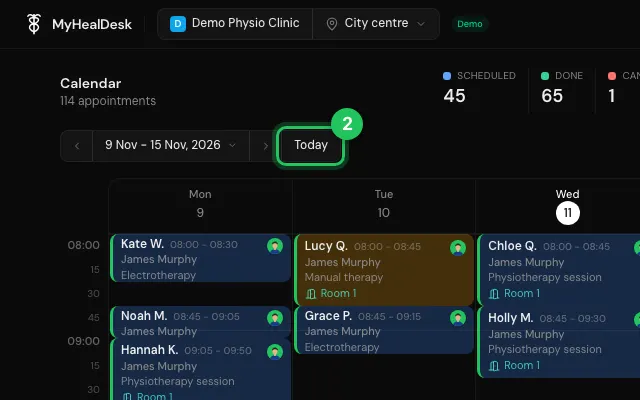
‹ and › move by a day, week or month, the date jumps to any day, and Today comes back.
In Month, tap a day to open it.
Open it in MyHealDesk
Opens this in the dashboard's Help, with Show me.
Something missing or unclear? Suggest a feature
Ask an AI about it: Ask ChatGPT Ask Claude Read this page as markdown